Forms & Submissions

Build Sophisticated Forms Without Writing Code

One intuitive builder for application forms, scoring rubrics, and supplemental forms — with conditional logic, file collection, and embedded document viewing built in.
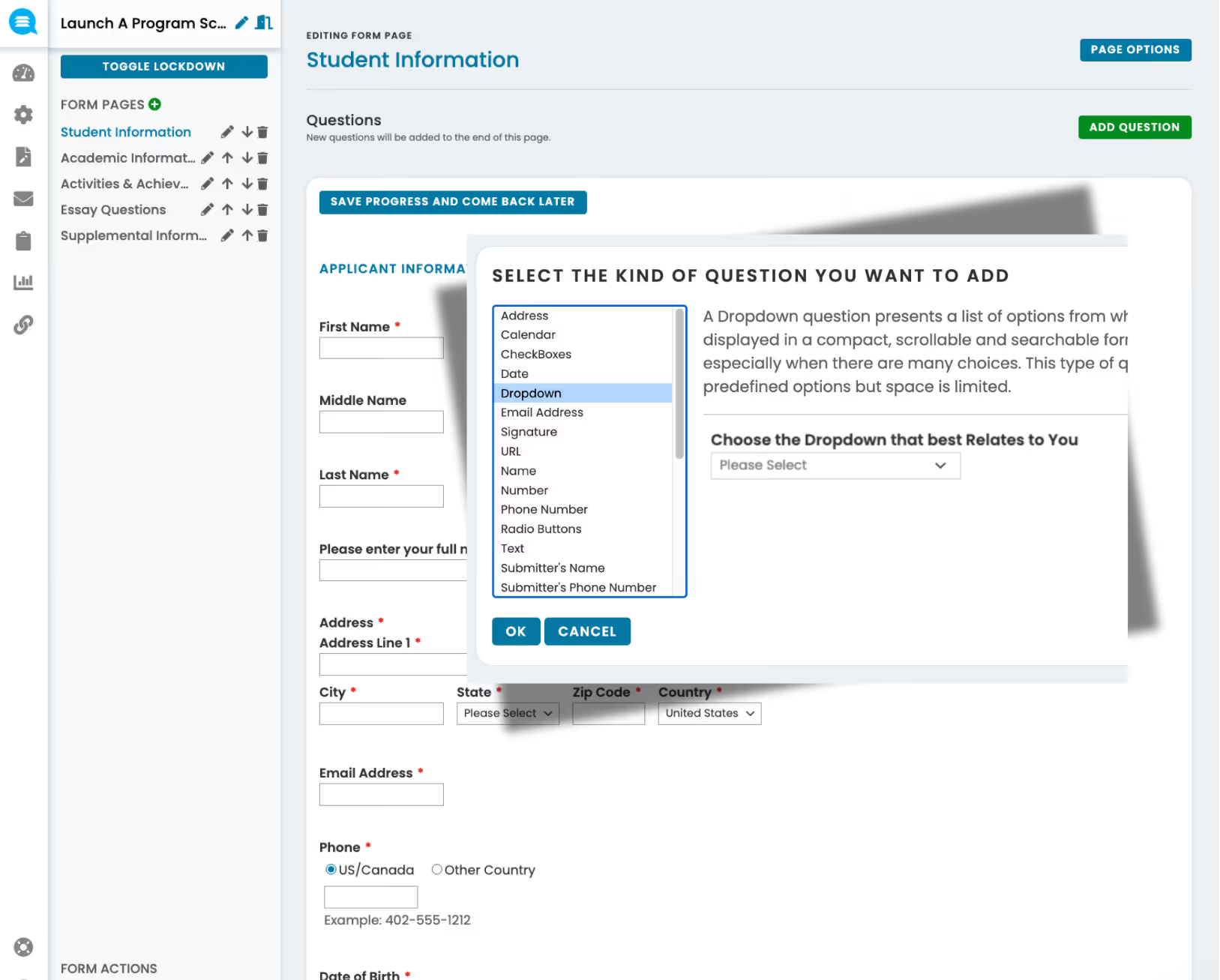
Form editing interface showing Student Information form with fields for applicant details and a pop-up for selecting question type including dropdown option.
language

Build forms and rubrics from one builder

language

Launch forms in minutes — no IT required

language

Cleaner data with built-in validation

language

Collect and view files without leaving the platform

language

Consistent, structured evalutions every time

Drag-and-drop form builder

Create forms visually

Create application forms, scorecards, and intake forms visually — no coding or IT support required. Just drag, drop, and publish. One builder powers everything from the applicant-facing form to the reviewer-facing scorecard.

check
Visual builder with drag-and-drop field placement
check
Wide range of field types — text, dropdowns, file uploads, and more
check
Build both application forms and scoring rubrics in the same intuitive builder
check
No developer resources or IT tickets required
Form editing interface showing Student Information form with fields for applicant details and a pop-up for selecting question type including dropdown option.
Evaluation

Robust evaluation rubrics

Design detailed scoring rubrics with custom criteria, weighted categories, and multiple score types — all built within the same intuitive builder used for application forms. Ensure every reviewer evaluates against the same consistent, structured standards.
check
Custom scoring criteria with configurable weighting
check
Multiple score types — numeric, scale, pass/fail, recommendation
check
Same builder as application forms — no learning curve
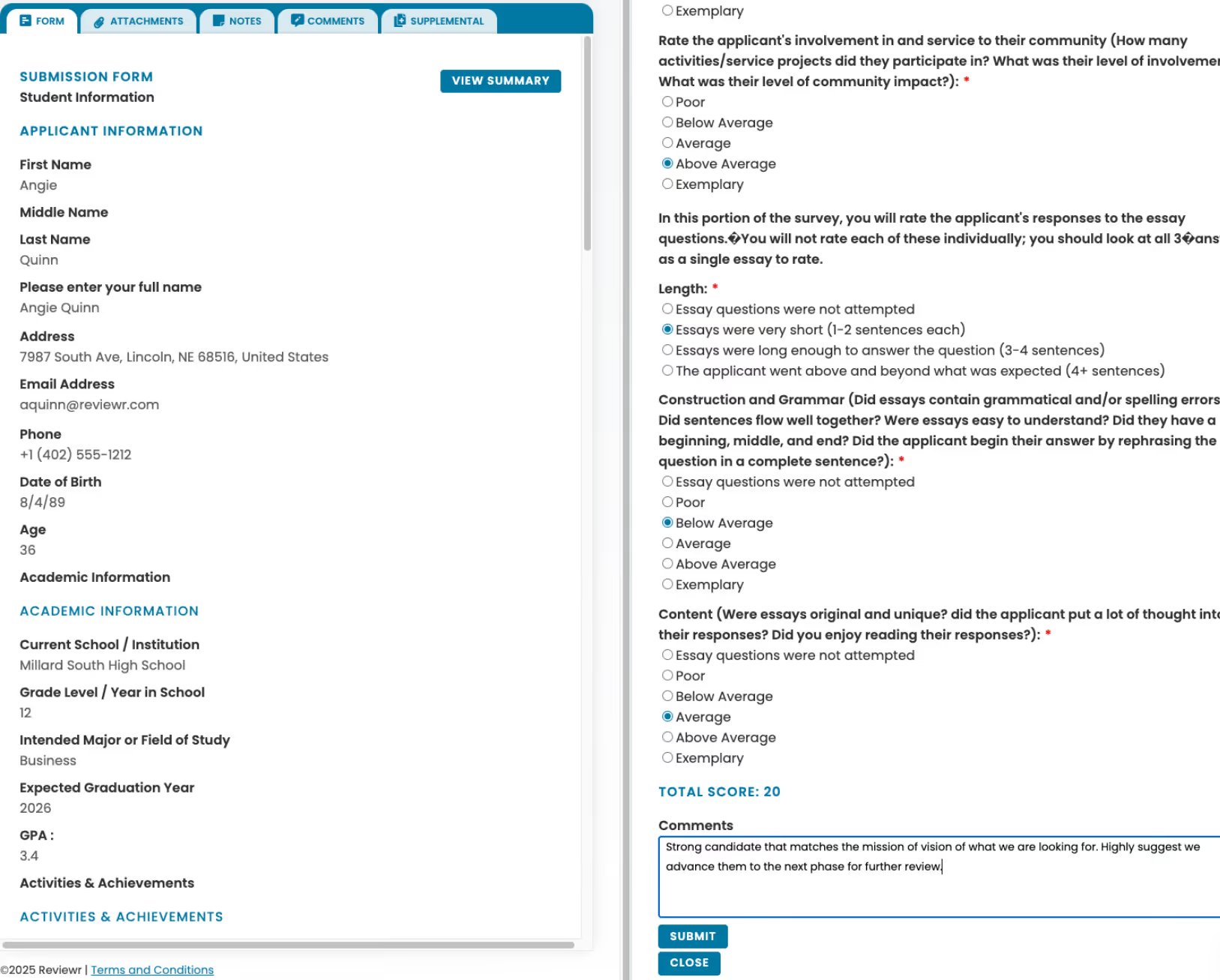
Online submission form showing applicant Angie Quinn's personal, academic details, and a review survey with ratings on community involvement, essay length, grammar, content, and a comment suggesting advancement for further review.
Logic

Conditional logic and branching

Show or hide fields, sections, or entire pages based on applicant responses — so every applicant sees only what's relevant to them.
check
Fields and sections that appear or disappear based on responses
check
Page-level branching for entirely different application paths
check
Visibility rules by category, program phase, or workflow
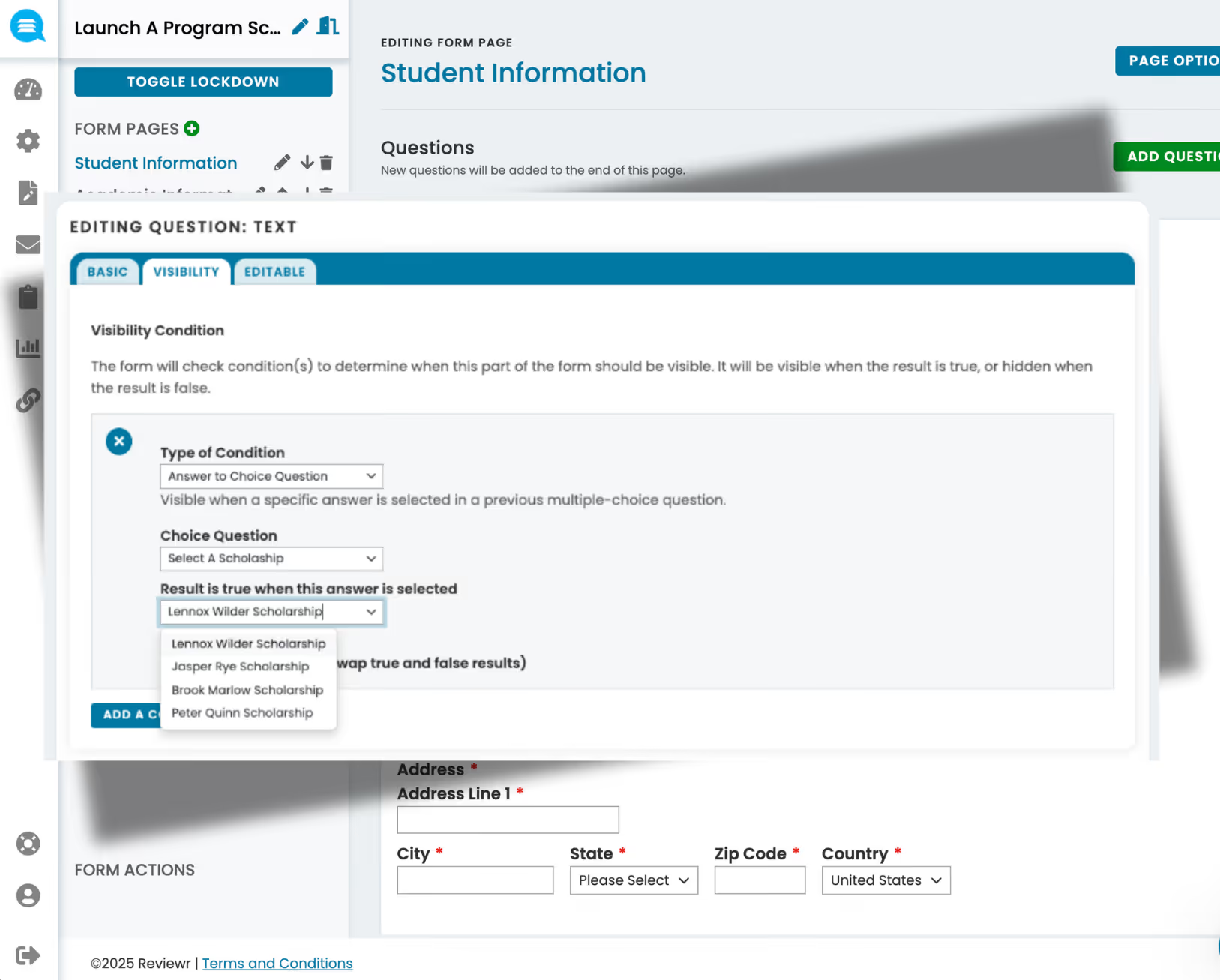
Form editing interface showing visibility condition settings for a question, with dropdowns for type of condition, choice question, and selecting specific scholarship answers.
Data Quality

Validation rules and required fields

Set field-level requirements and validation to catch errors before submission, ensuring clean, complete data from the start.
check
Required fields prevent incomplete submissions
check
Format validation for emails, dates, numbers, and custom patterns
check
Real-time error feedback before applicants submit
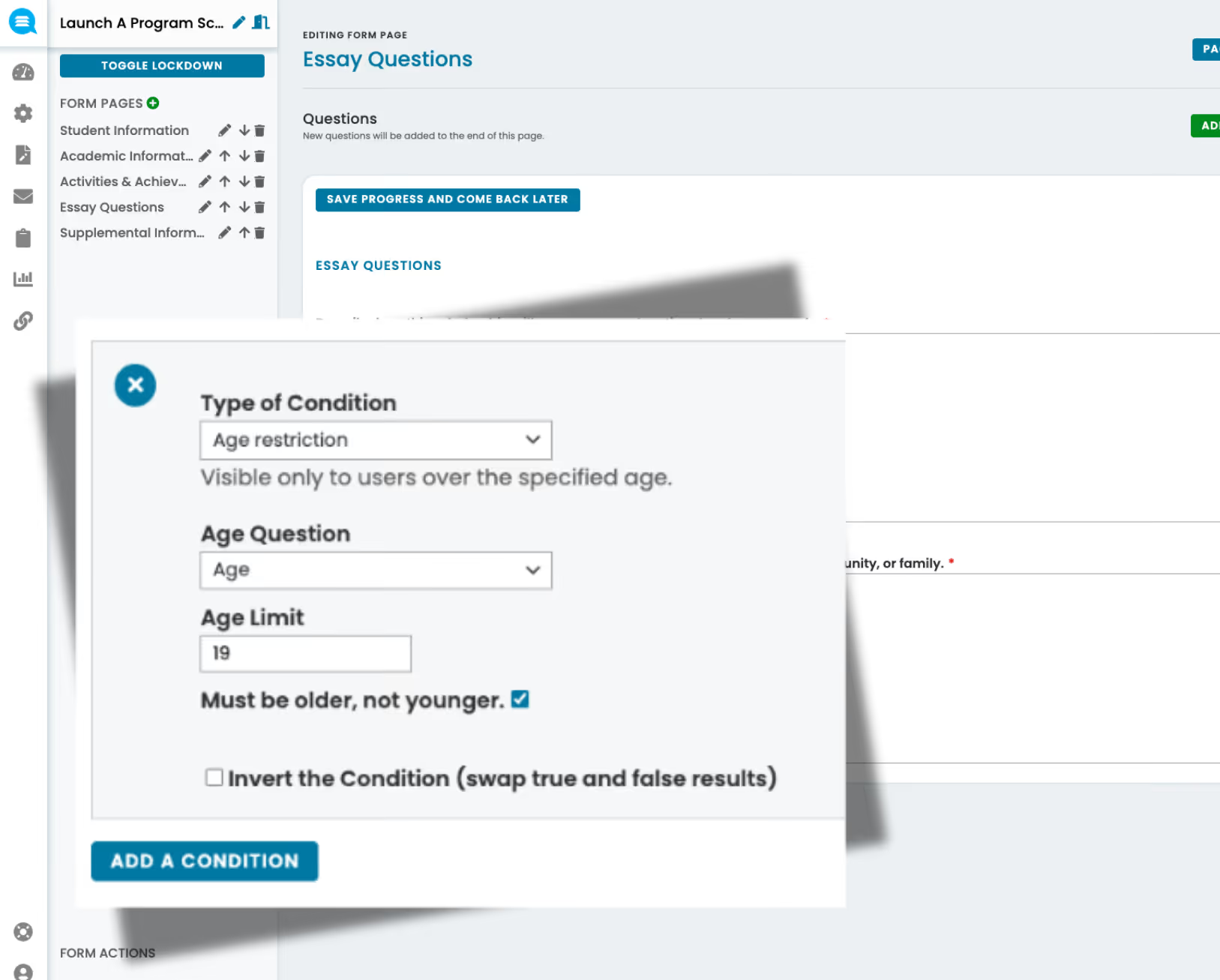
User interface showing a popup form to set an age restriction condition with options for age question, age limit of 19, and a checkbox for must be older, not younger.
Files

File collection and management

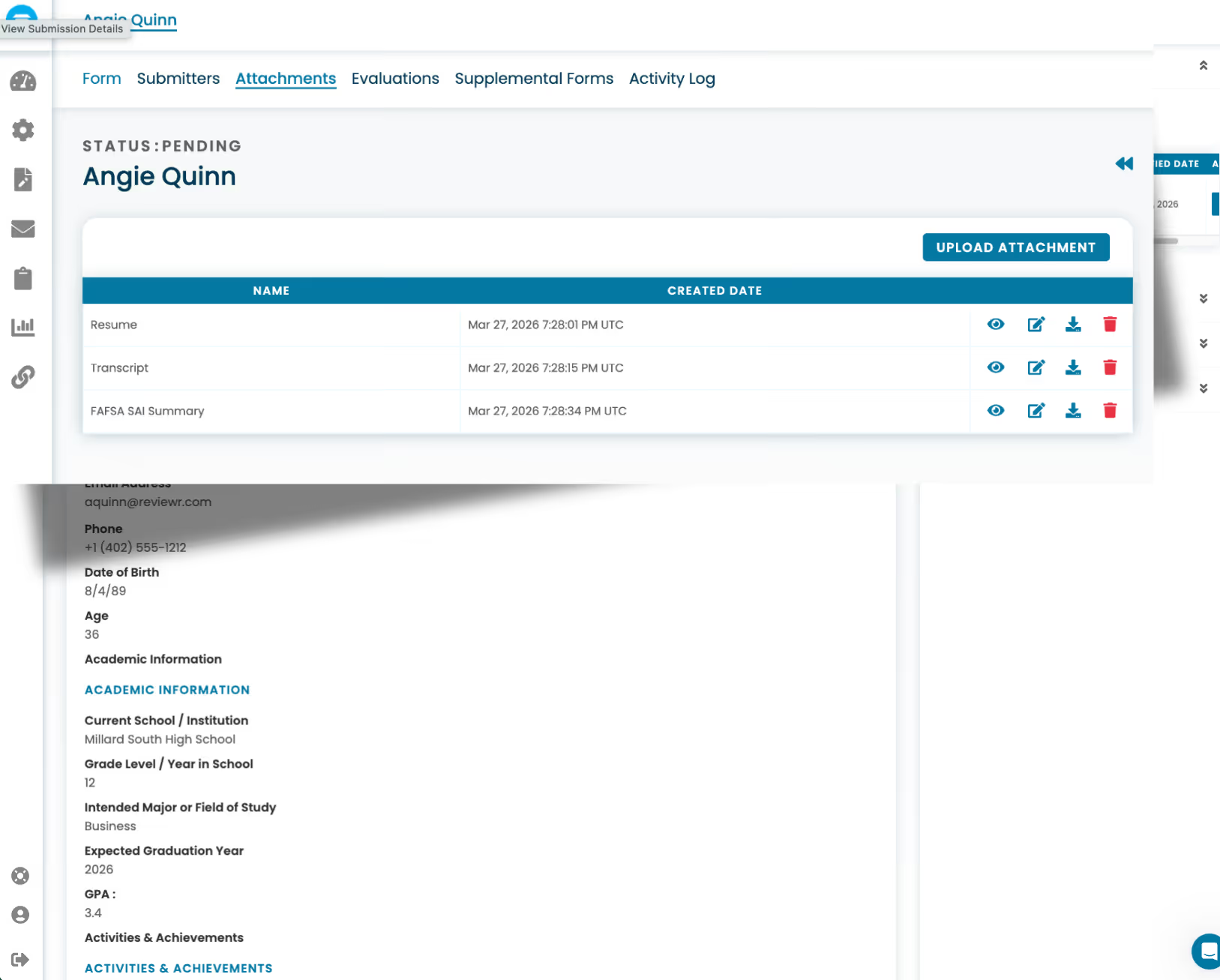
Collect any type of file as part of the submission process — organized, stored, and linked directly to each applicant's record for easy access by staff and reviewers.
check
Accept any file type as part of the application
check
Files automatically linked to the applicant's profile
check
Accessible to staff and reviewers from a single location embedded directly in Reviewr
User interface showing pending attachments for Angie Quinn, including a resume, transcript, and FAFSA SAI summary with upload and action icons.
Review

Embedded document viewing

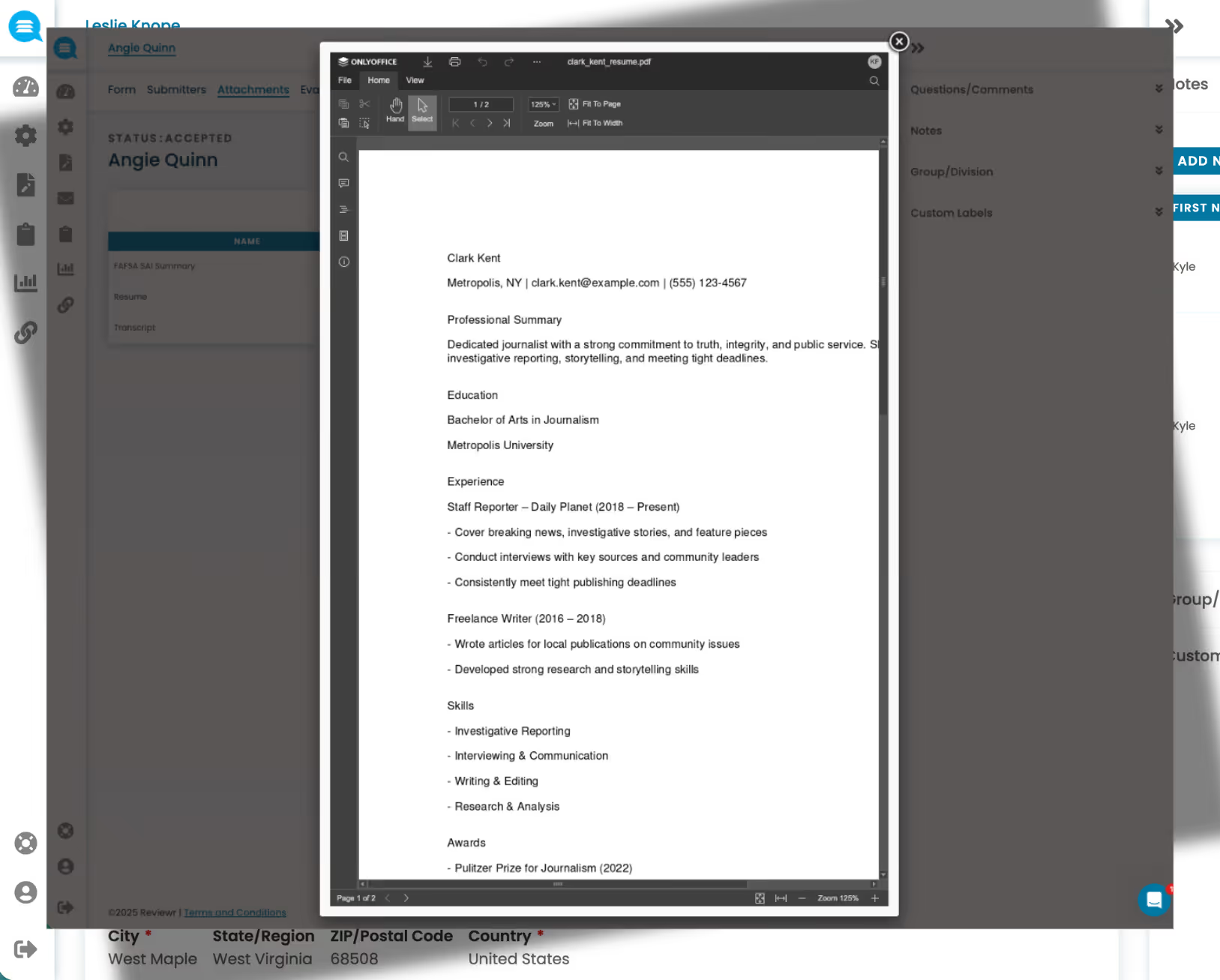
Review uploaded files directly within the platform — side-by-side with scorecards — without downloading or switching between tools.

check
View documents inline — no downloads required
check
Side-by-side layout with the scorecard for seamless evaluation
check
Support for all common document formats
Screenshot of a PDF viewer displaying Clark Kent's resume with contact info, professional summary, education, experience, skills, and awards.

See the Platform in Action

Schedule a personalized demo and discover how Reviewr can transform your programs.